Elements of Data Science
SDS 322E
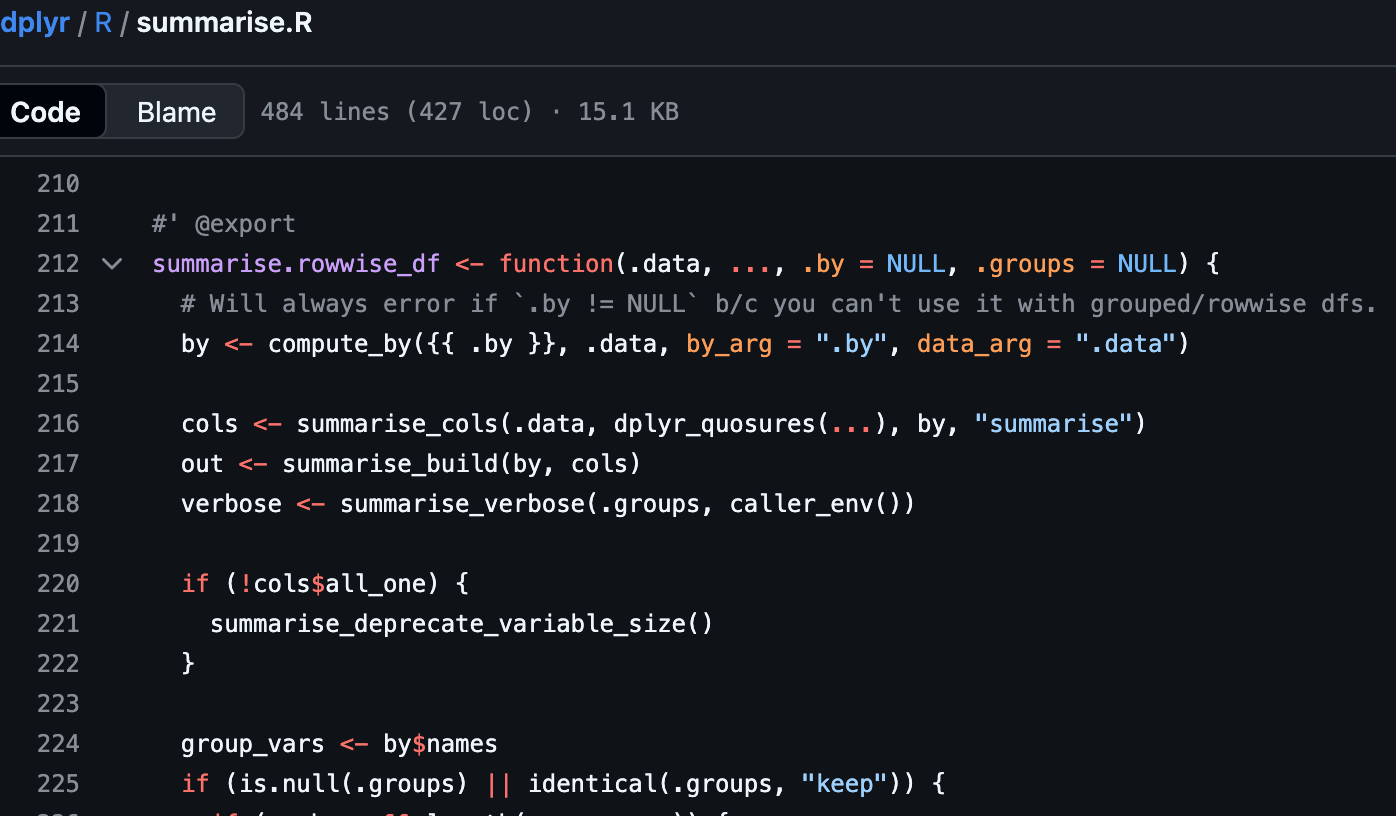
Hi - I’m an R script!
https://github.com/tidyverse/dplyr/blob/main/R/summarise.R
- Code is first class citizens here and all the text and comments need to start with
#(#'is a special symbol used for package documentation).
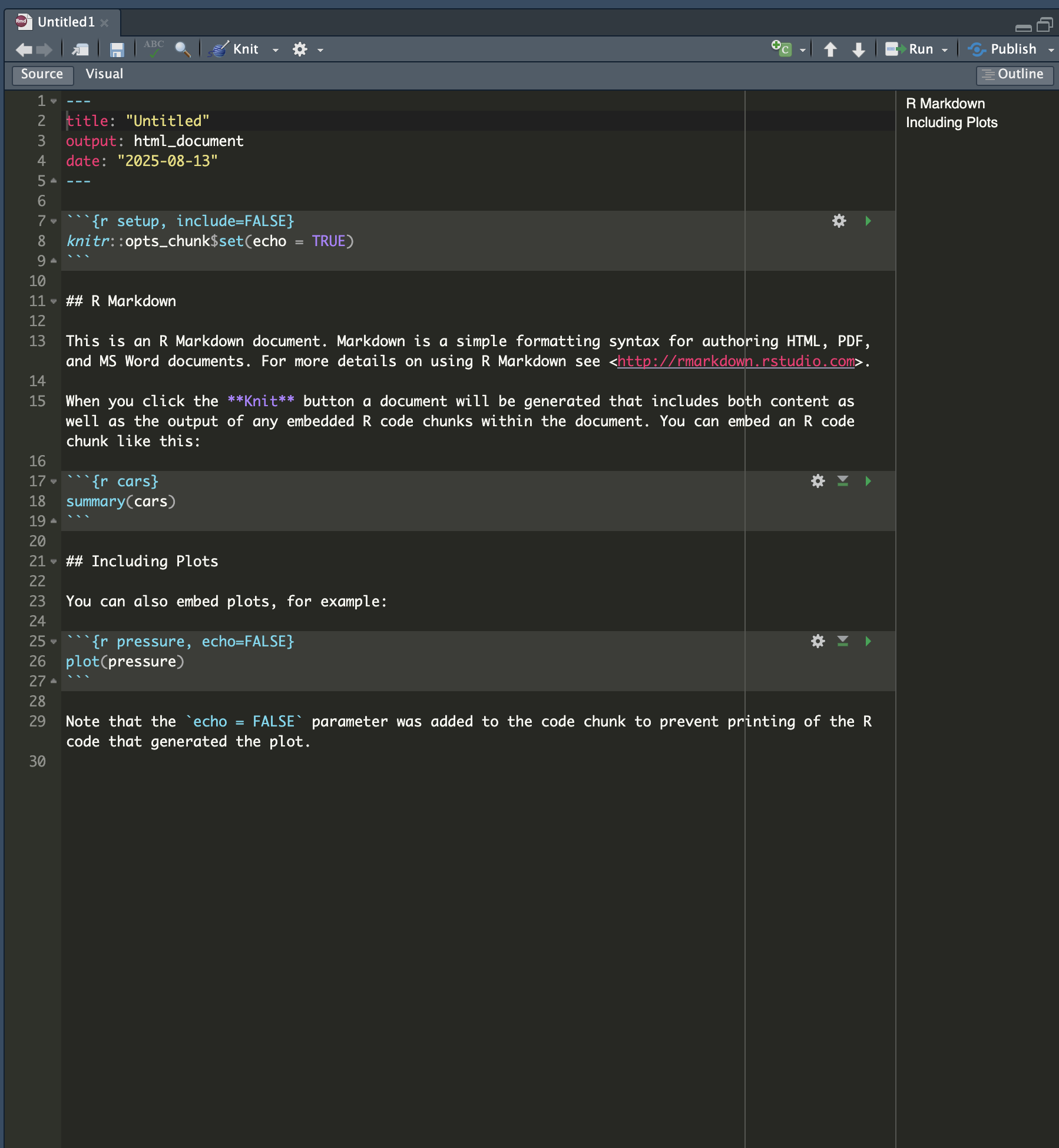
Hi - I’m an R Markdown document!
File > New File > Quarto Document / R MarkdownI will be the document you mainly work with in this class.
With me, you can
- include both text and code (in code chunks),
- run the code to produce output, and
- render the results to multiple formats such as HTML, PDF, and Word.
Actually, with me, you can also write documents, papers, and books:
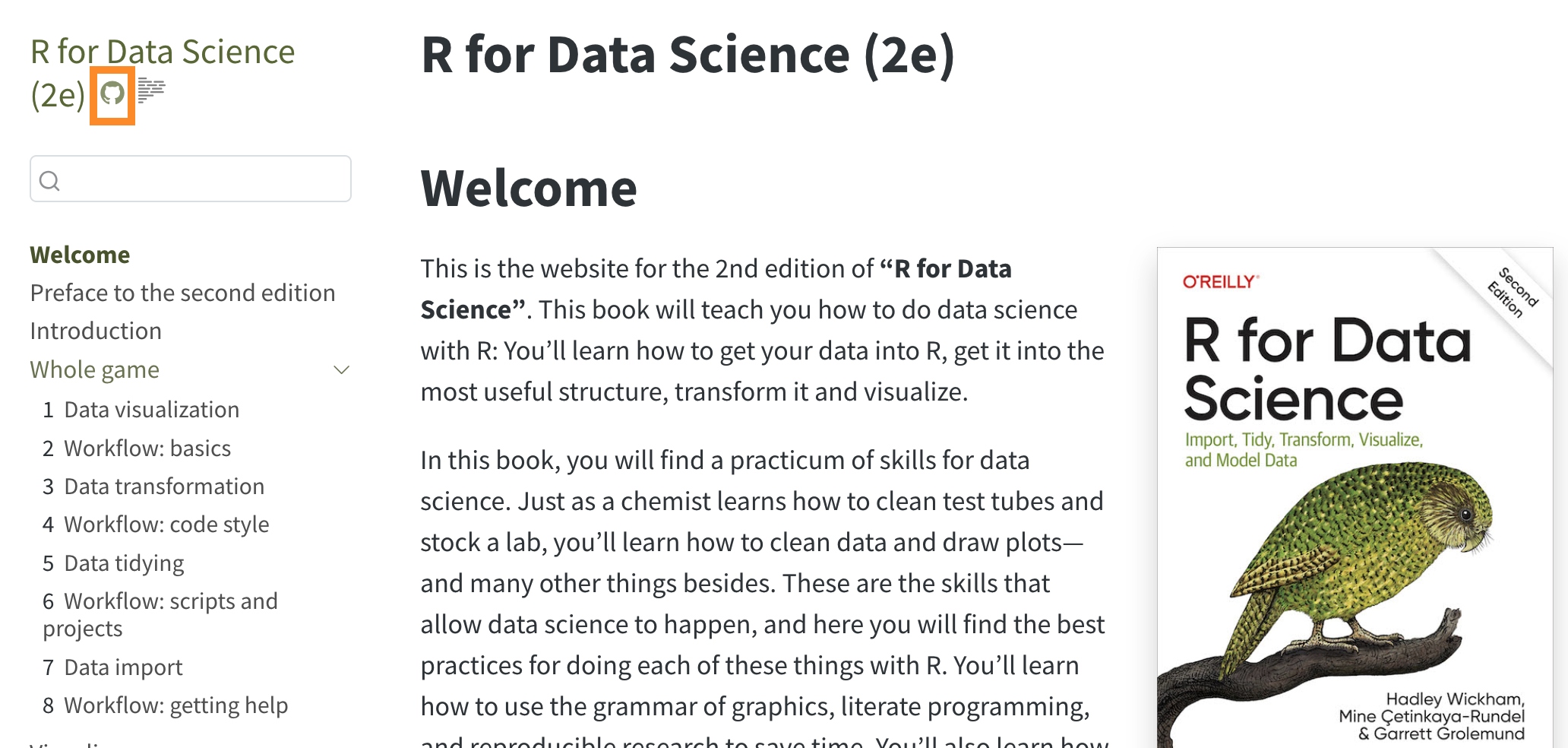
The textbooks in this class are written R Markdown (or its newer generation - Quarto).
Actually, with me, you can also create HTML or PDF slides
The slides for this class
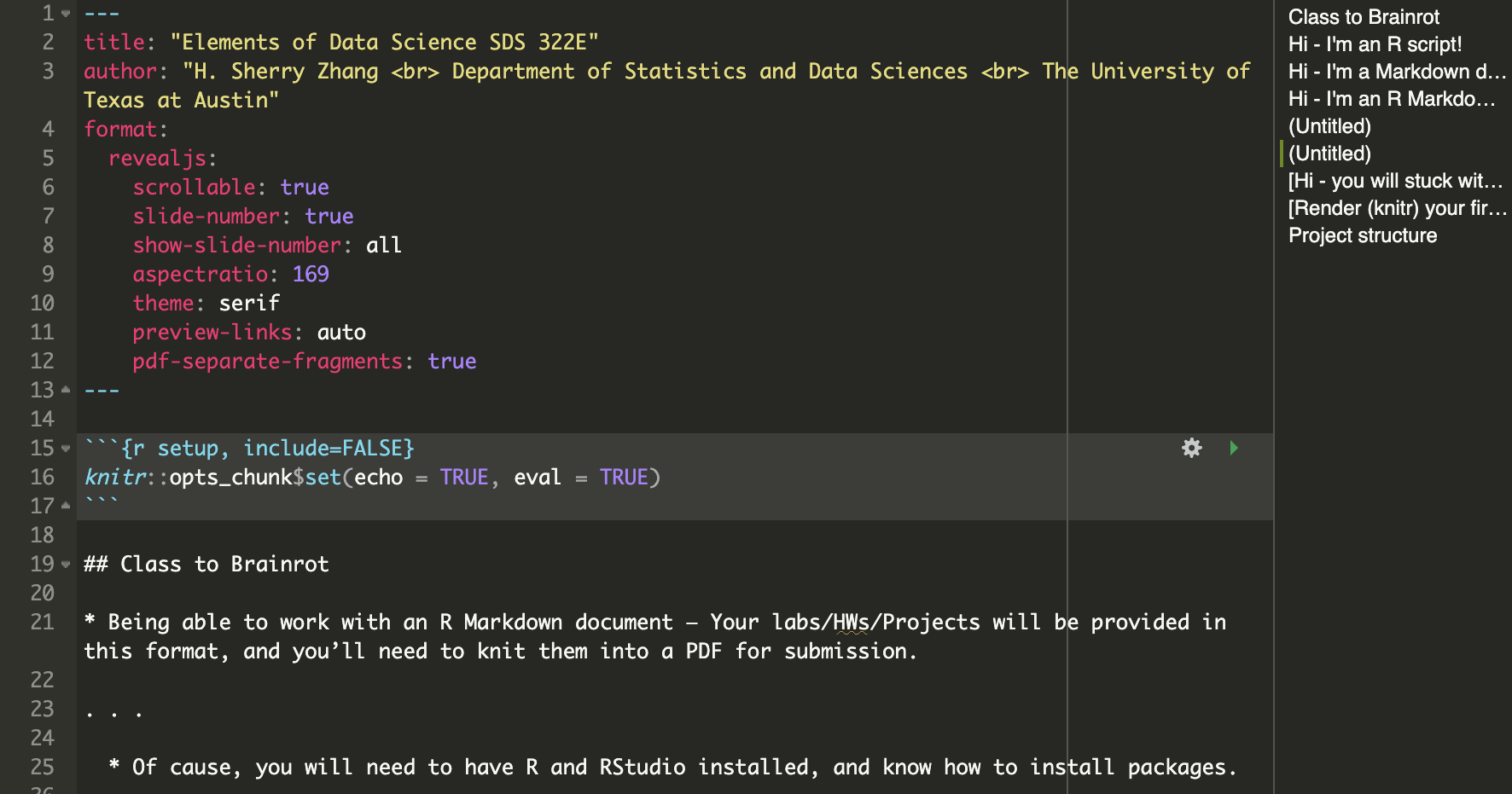
Actually, with me, you can also build websites
https://huizezhang-sherry.github.io/SDS322E/
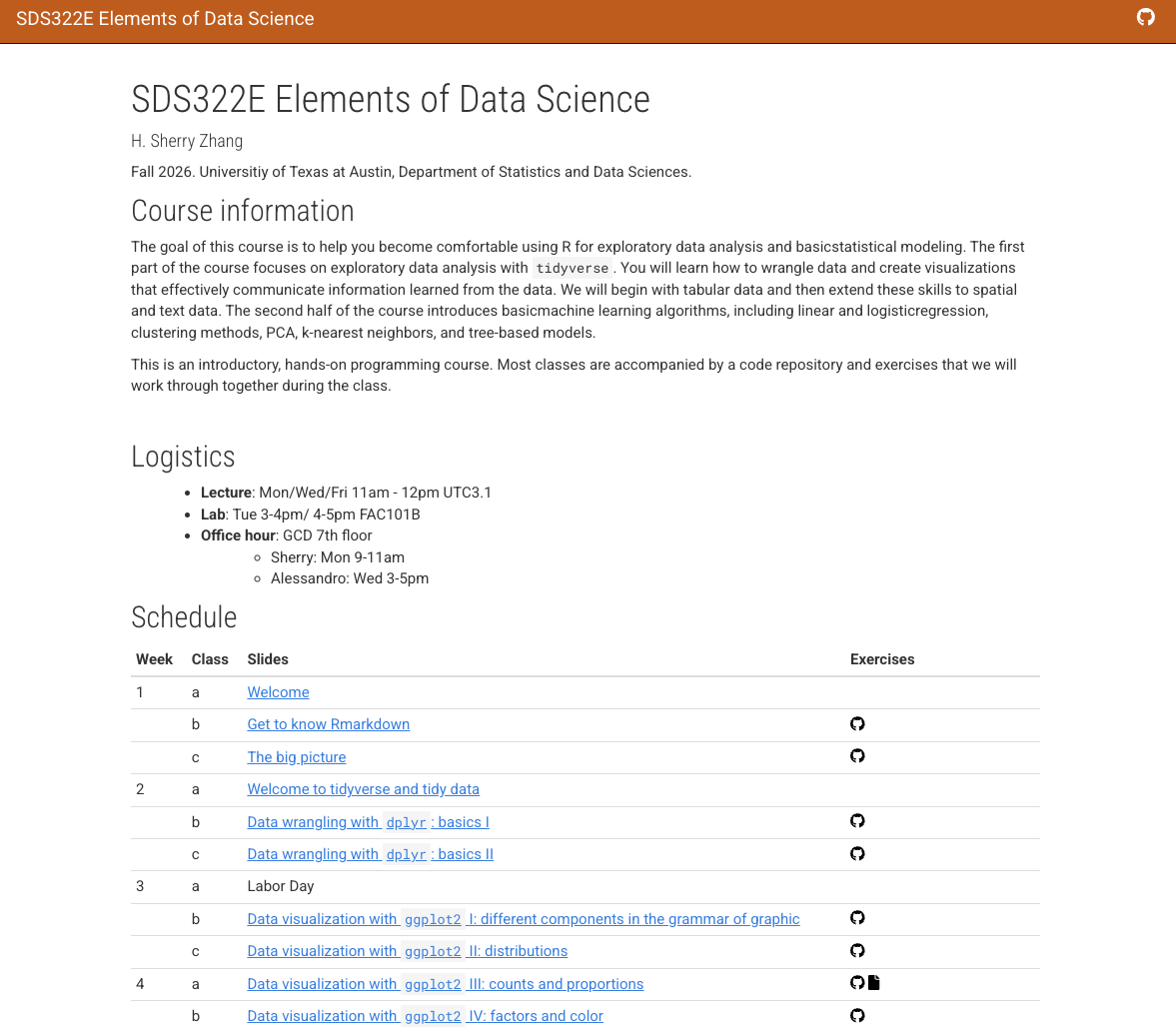
Recall from Monday’s lecture…
https://github.com/SDS322E-26Fall
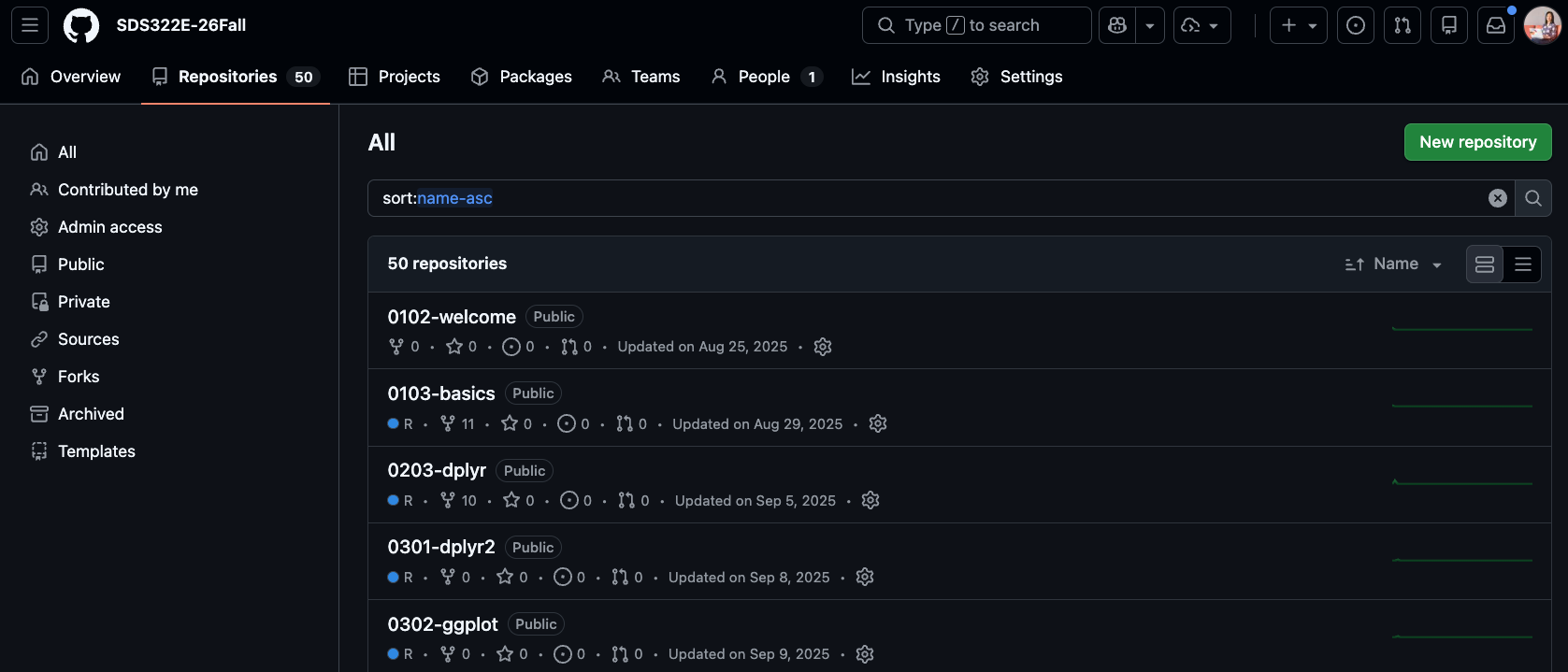
The repository contains all the class exercises and assessment materials (Lab, Homework, and Projects).
We will instruct you how to get those materials for the class on Wednesday.
How do you get the project from GitHub to local? (1/3)
Open up an RStudio IDE, in the console type
By default it will create the repository on the Desktop, you can also save it at specific location with the destdir argument.
Click the .Rproj file to open up the RStudio IDE:
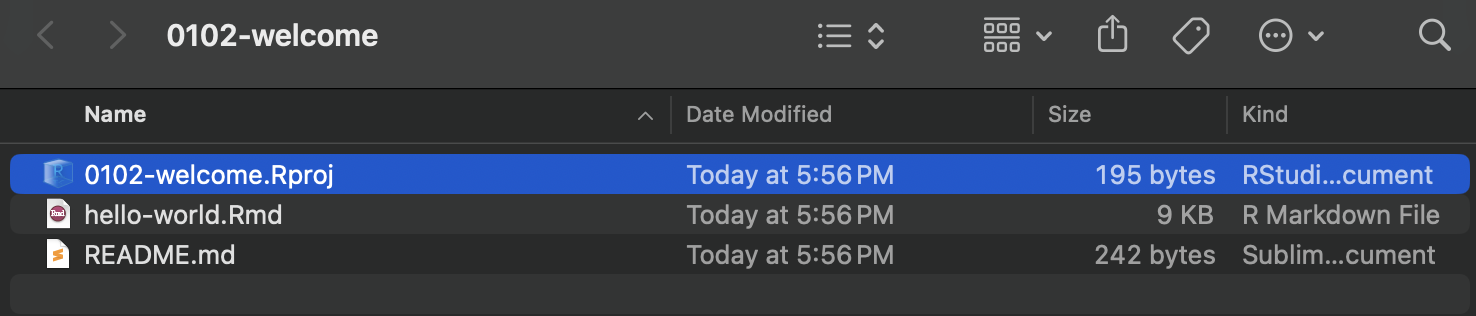
How do you get the project from GitHub to local? (2/3)
Your top right corner should show: 0102-welcome
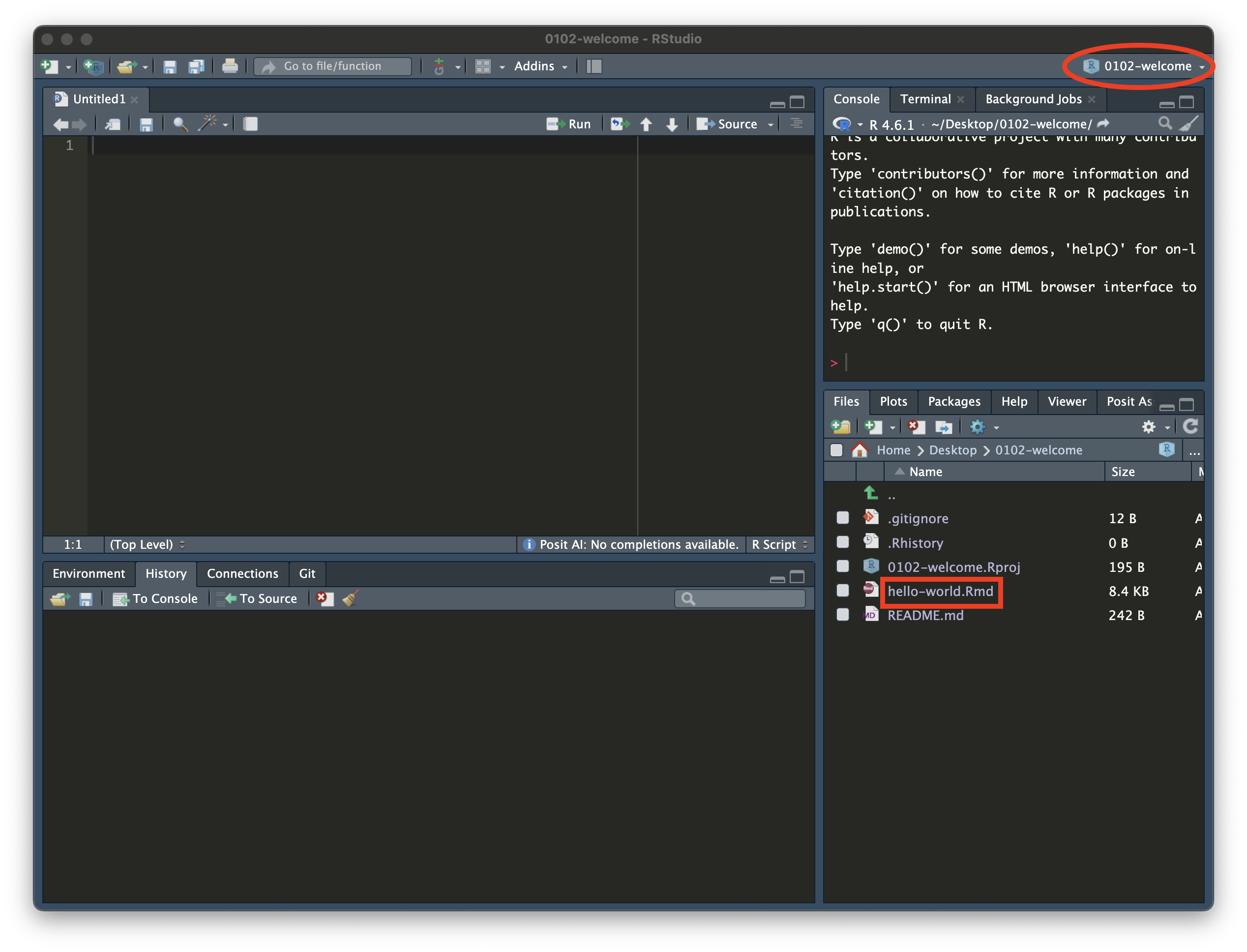
How do you get the project from GitHub to local? (3/3)
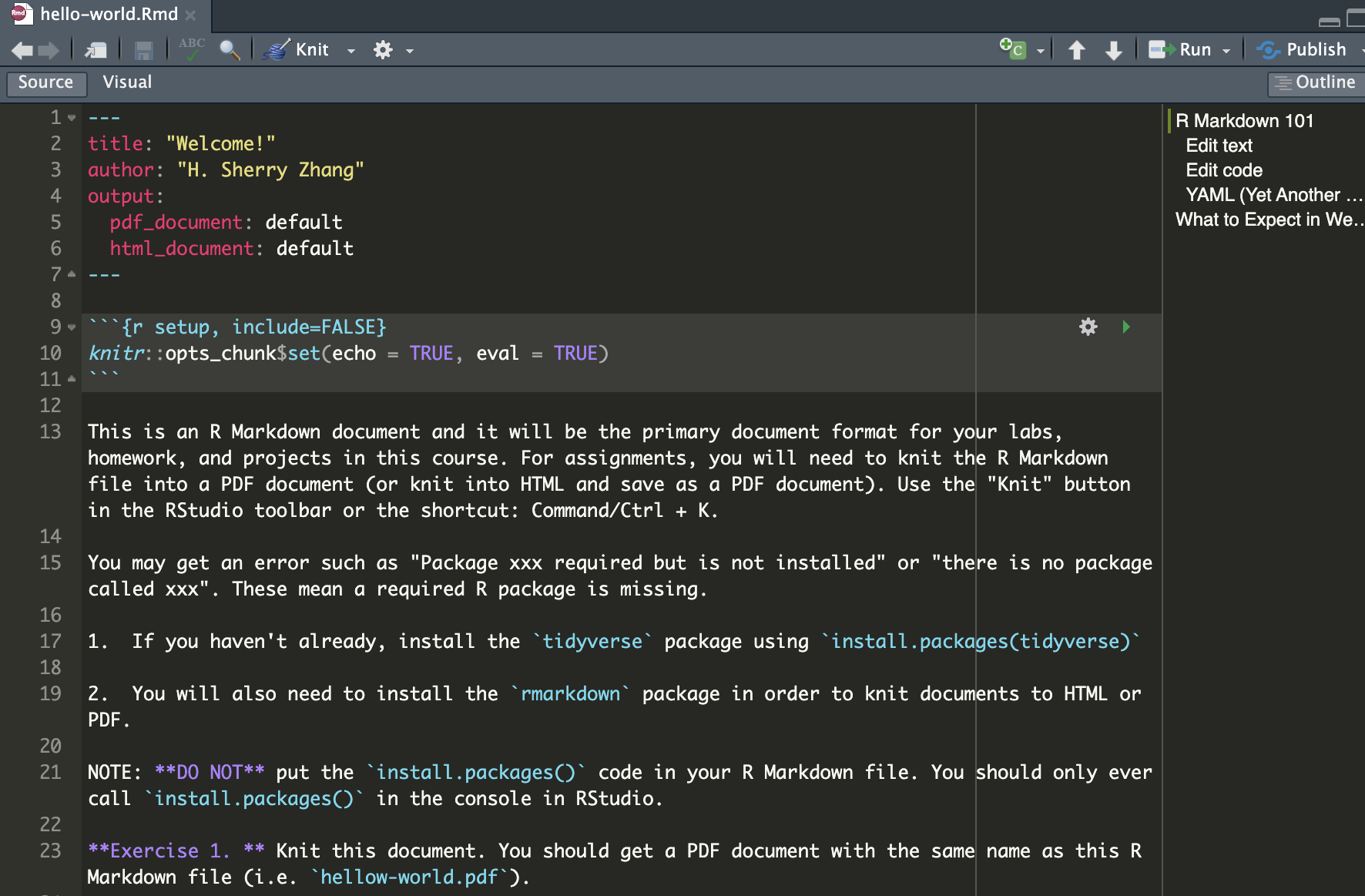
Click the hello-world.Rmd to open up the R Markdown file.
Your time
Go through the exercises in the hello-world.Rmd document.
You need to know how to knit an R Markdown document to PDF (which requires a LaTeX installation), as this is the format in which you will submit your assessment.