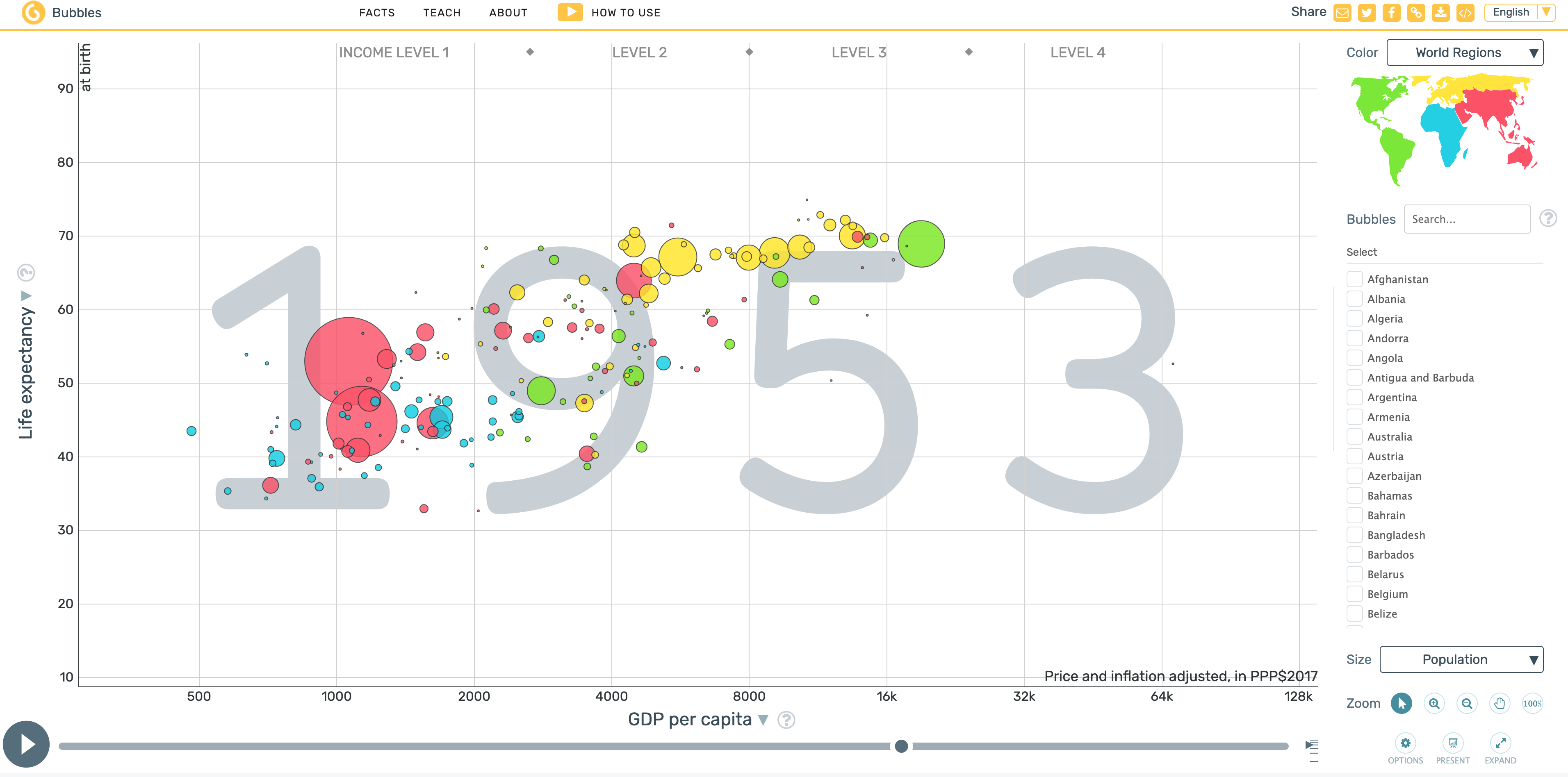
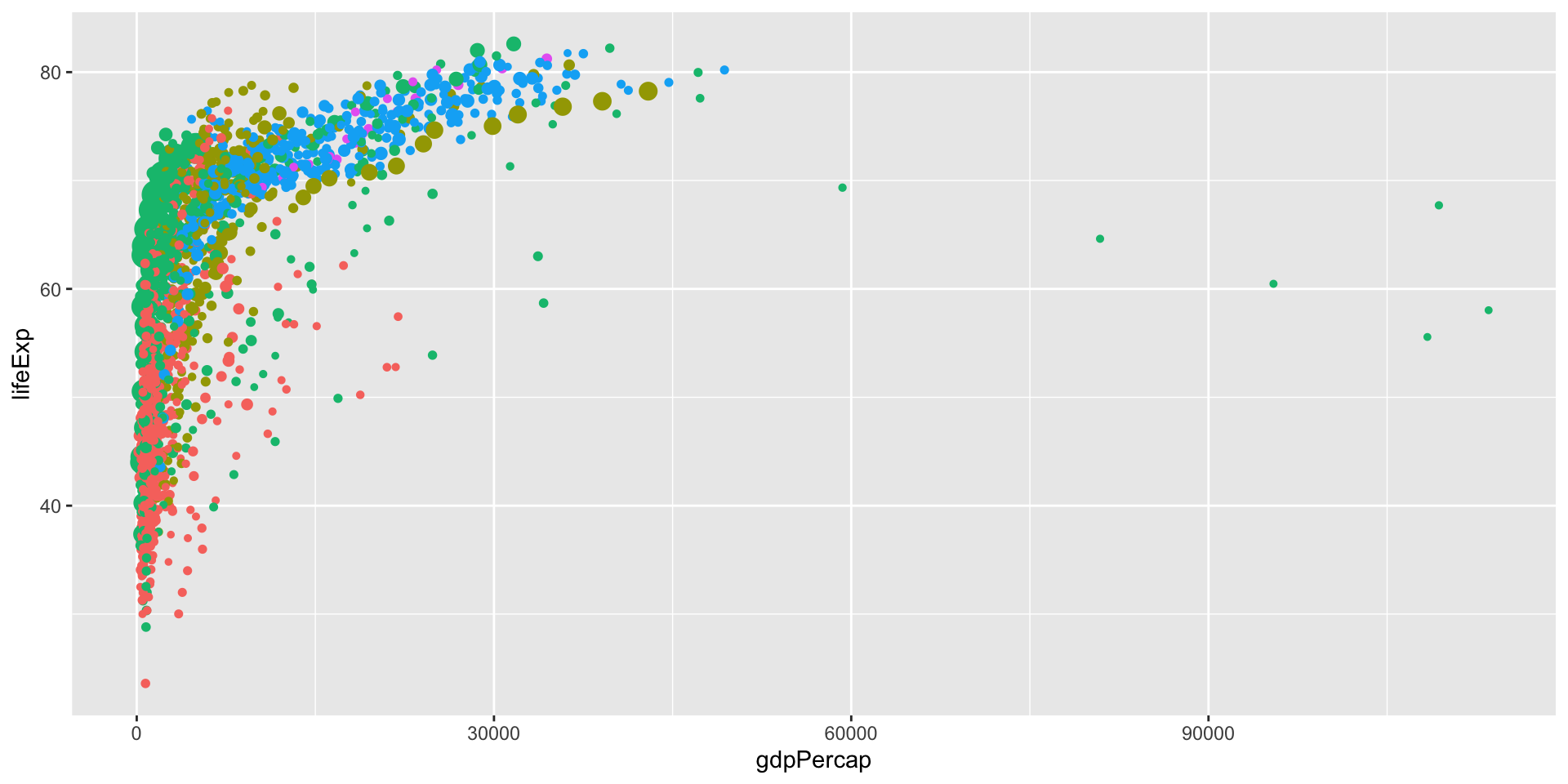
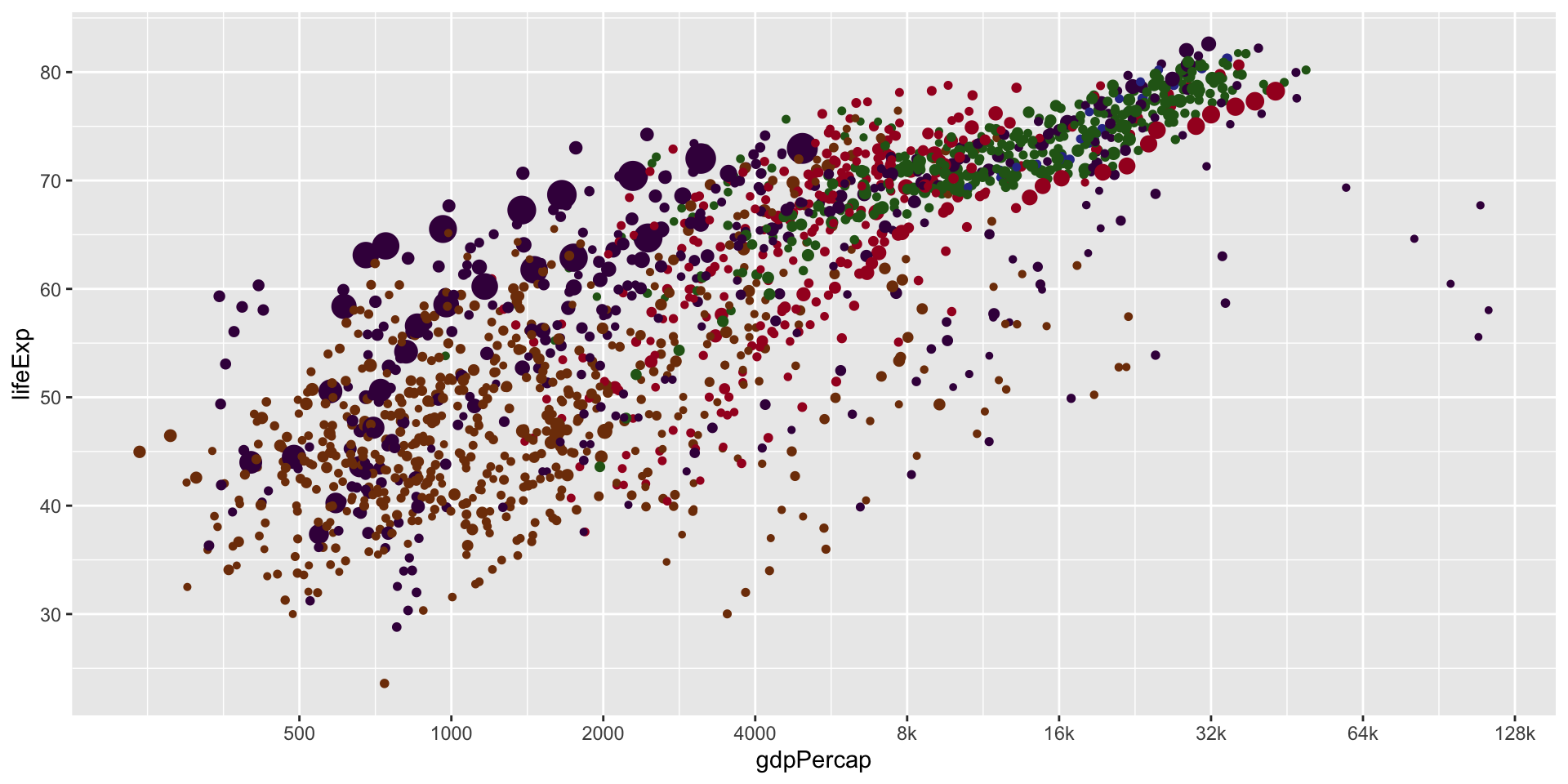
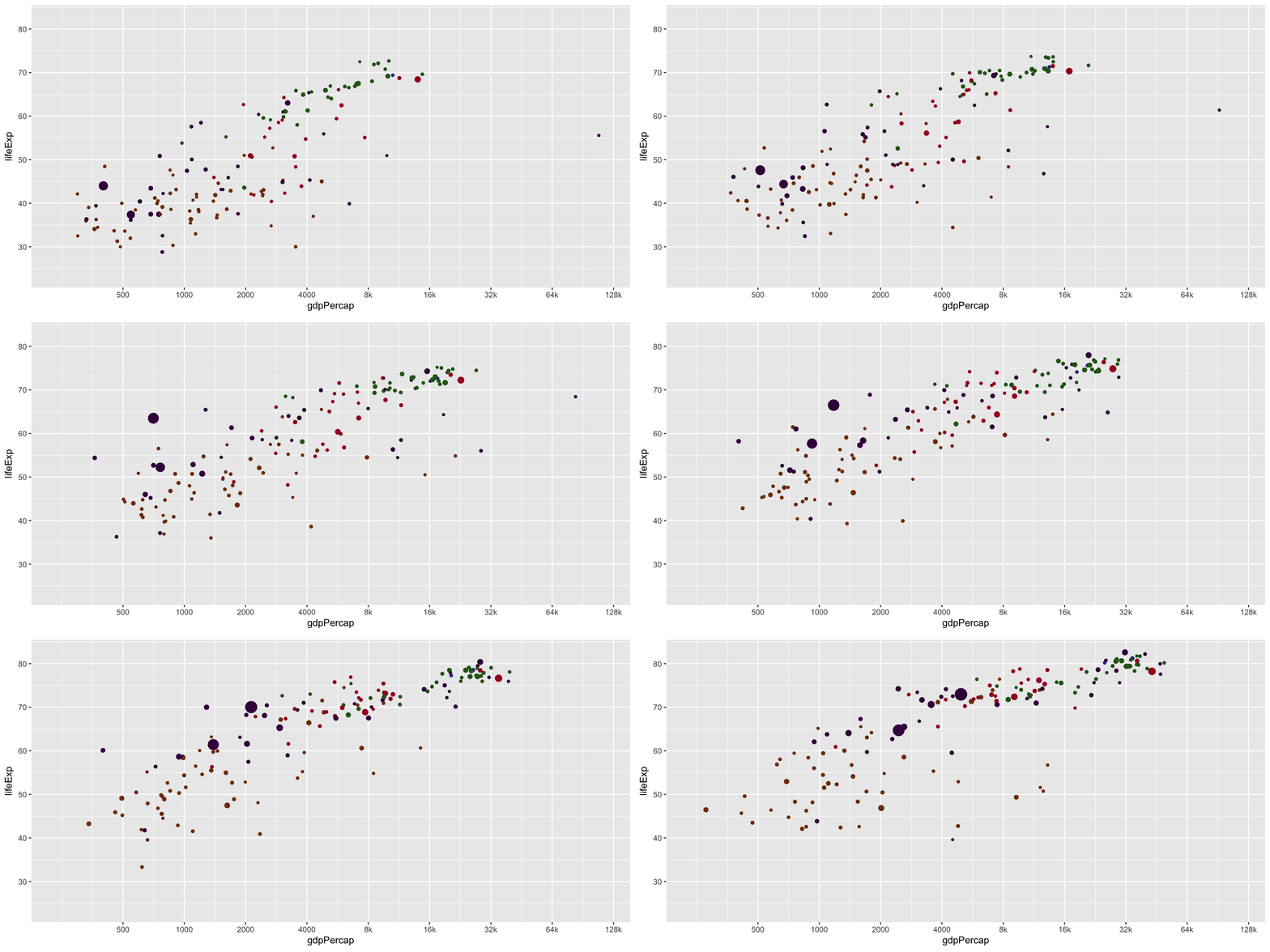
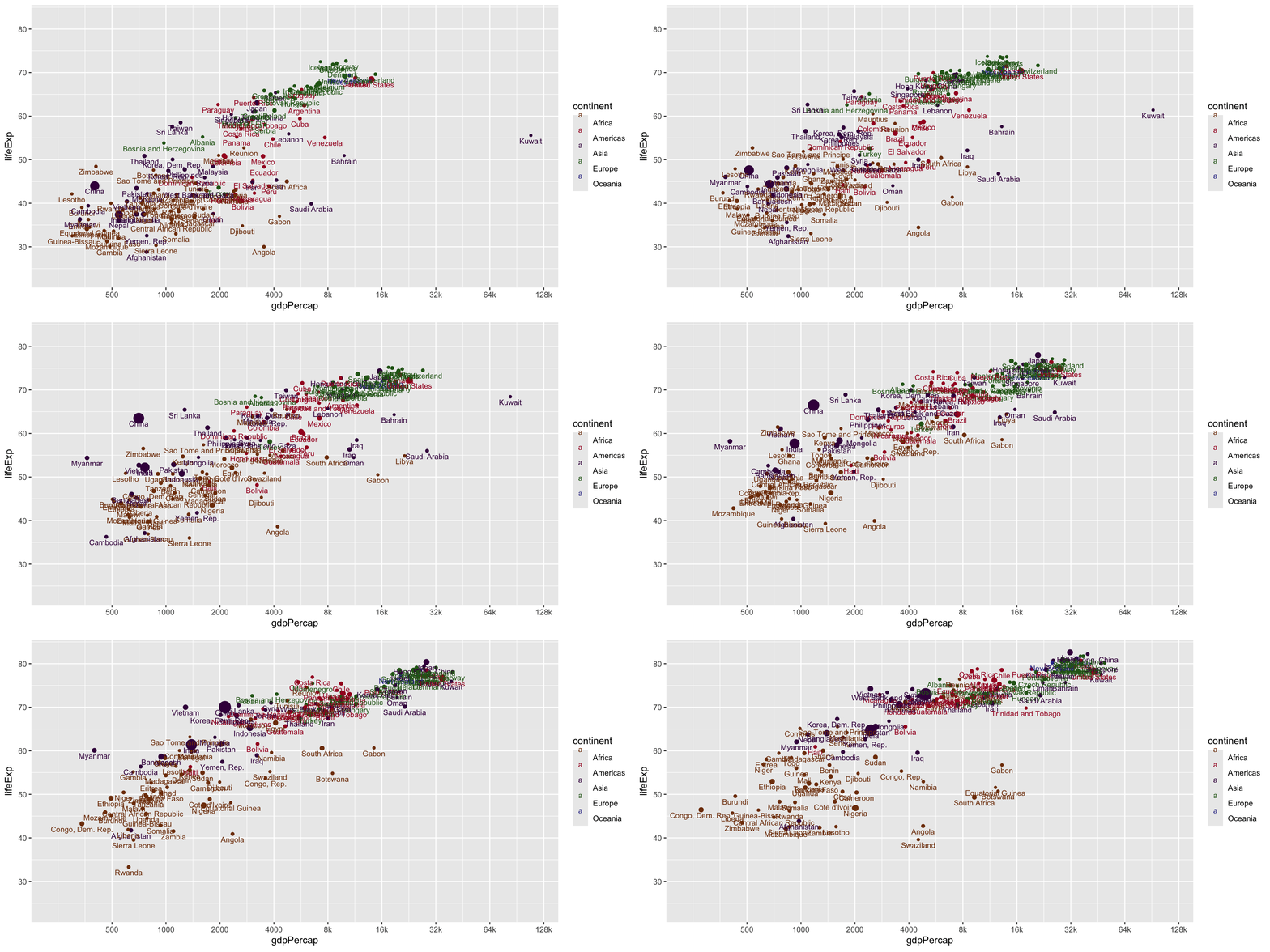
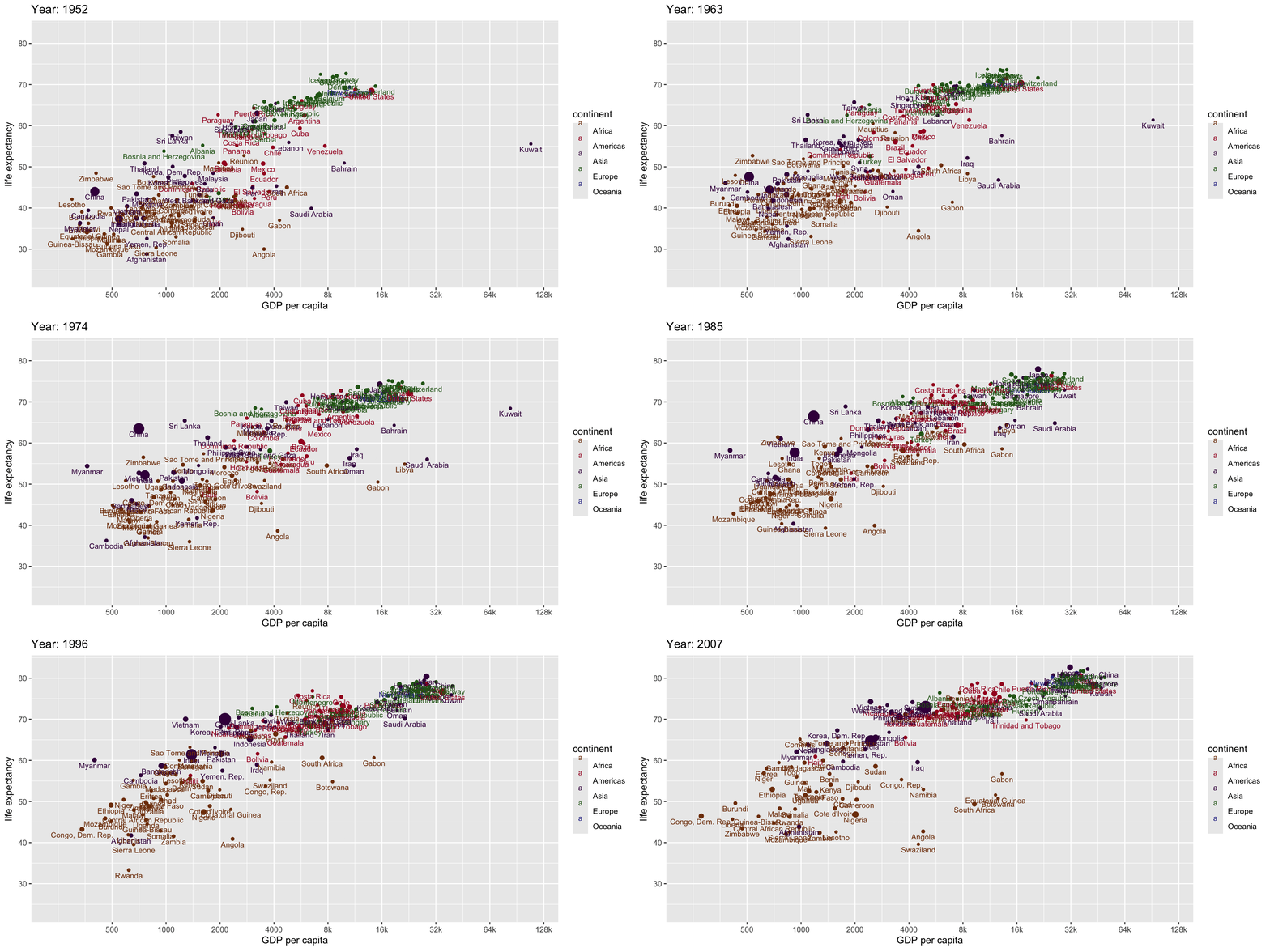
We will learn to create animated and interactive graphics using two R packages:
gganimate: to create animated graphics in Rplotly: to create interactive web-based graphicsIn both cases, we will start from a static ggplot2 plot and extend it to an animation or interactive plot.
gganimateThe gganimate package extends the ggplot2 package for creating animated graphics.
gganimate functions: transition_*()transition_time(), which creates frames based on a continuous variable (e.g., time).gganimate creates animations by interpolating between the frames defined by the transitions and then rendering them as a series of images that can be played back in sequence: animate(renderer = ...)
gganimategganimatetransition_time() and produce the following plot.anim_save() function. Read the documentation and save your animation as a GIF file.plotlyThe plotly package is powered by the plotly.js JavaScript library, which provides a wide range of interactive chart types and features.
ggplotly() function converts a static ggplot2 plot into an interactive plotly plot.frame aesthetic in geom_point(), which will create frames based on the values of that variable.The interactive plot allows users to explore the data by zooming, panning, and hovering over points (tooltips) to see additional information.
plotlyUse the lasso or box select tool to select a group of countries in the interactive plot above and observe how they change over time.
Save the interactive plot as an HTML file using the htmlwidgets::saveWidget() function.
plotlyIn the interactive plot above, use the lasso or box select tool to select a group of points and observe how they are highlighted across all panels. What are other gestures you can use to highlight points in plotly? Find out more in the documentation of highlight() and try them out!